Connect to a VAST DataBase
Quick guide to connecting VAST Orbit to your VAST DataBase.
Requirements
Before connecting, ensure you have:
VAST DataBase – Any version with Trino interface enabled
Python 3.12+ – Latest Python installation
VAST Orbit – Installed via
pip install vastorbit
For installation instructions, see Getting Started.
Connect to Database
Use new_connection() to create and save a connection:
import vastorbit as vo

vo.new_connection(
    {
        "host": "12.345.67.89",
        "port": "8080",
        "catalog": "vast",
        "schema": "default",
        "user": "admin",
        # "password": "your_password",  # Optional
    },
    name="vast_connection",
)
The connection is saved and can be reused with connect():
vo.connect("vast_connection")
Manage Connections
View all saved connections:
vo.available_connections()
Output:
['vast_connection', 'production_db', 'dev_cluster']
Get function help:
help(vo.new_connection)
Interactive Setup
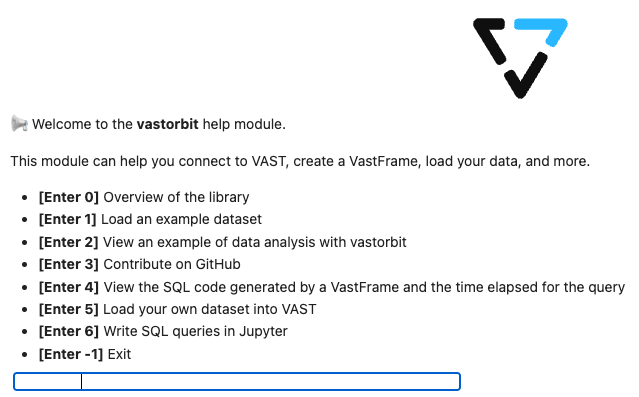
Launch the interactive setup guide:
vo.help_start()
Connection Parameters
Required parameters:
host– VAST cluster hostname or IP addressport– Trino port (default:8080)catalog– Data catalog name (default:vast)schema– Schema name (default:default)user– Username (default:admin)
Optional parameters:
password– User password (if authentication enabled)http_scheme–httporhttps(default:http)
Tip
For production environments, use environment variables for credentials:
import os

vo.new_connection(
    {
        "host": os.getenv("VAST_HOST"),
        "user": os.getenv("VAST_USER"),
        "password": os.getenv("VAST_PASSWORD"),
    },
    name="production",
)
See also
The VastFrame – Learn about VastFrame
Connection – Complete connection API reference